EMX Controls
Build UIs with Professional-Grade Solutions
EMX Controls is a cross-platform suite of UI components designed to streamline the development of high-performance, visually appealing applications for Avalonia UI. The library provides visual controls for efficient work with tabular data, including hierarchical structures, creating intuitive navigation systems, interactive charts, 3D model visualization, and more. With EMX Controls, developers can deliver user-friendly solutions that meet high business standards.
Cross-platform
Support Windows, Linux, macOS and WebAssembly. One codebase for different platformsSeamless migration
Leverage your existing .NET experience (WPF/WinForms) to effortlessly transition to building cross-platform applications with Avalonia UI.Built-in localization
Shipped with complete Russian and English UI localizations out of the box, ready for global deployment.Trusted by industry leaders
Trusted by leading CAD software developers, EMX Controls delivers the performance and stability demanded by professional applications.Unified design system
The unified design system helps you create modern and attractive interfaces with effective user experience across all platforms.Data Management
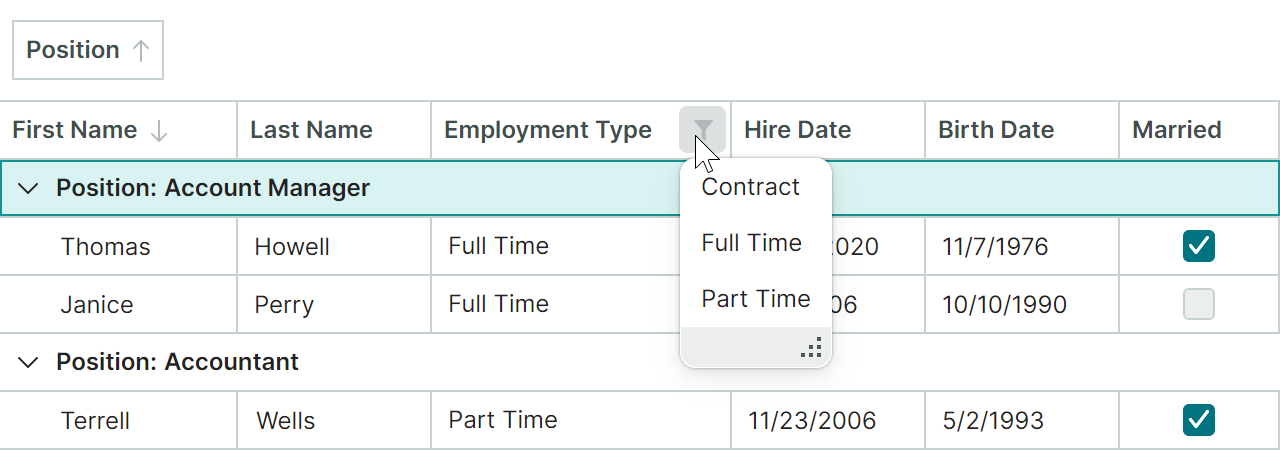
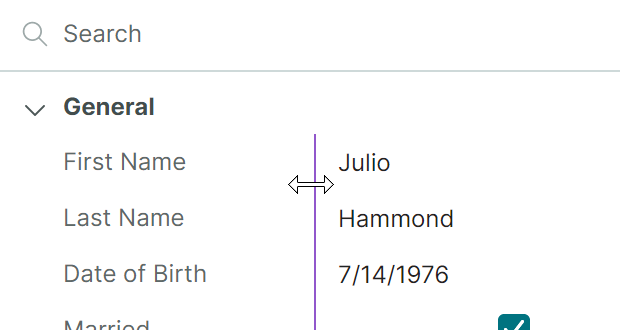
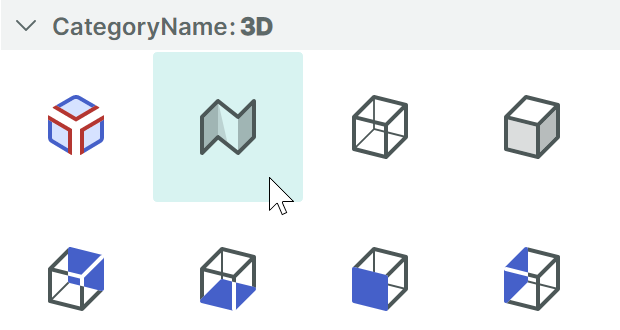
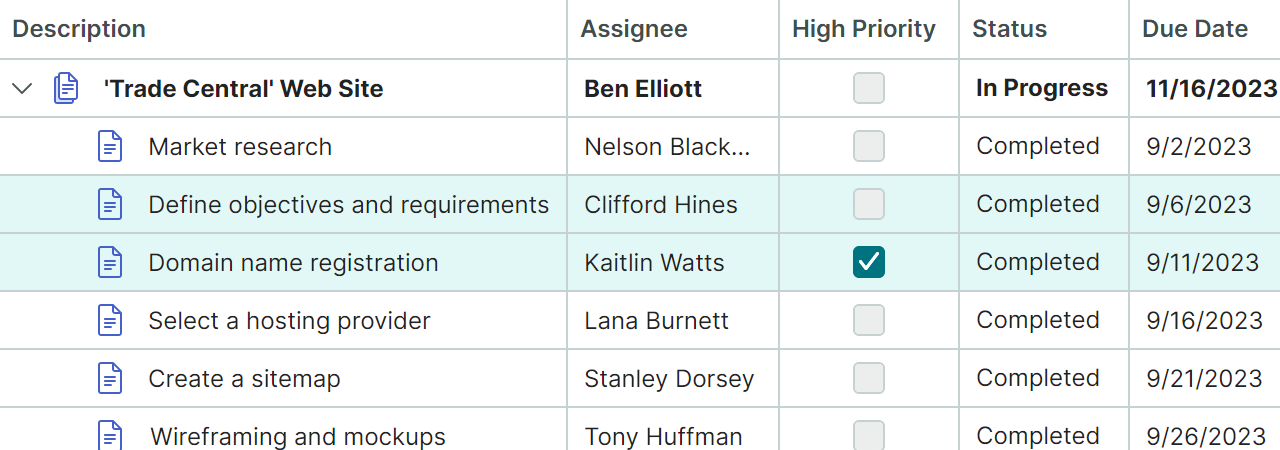
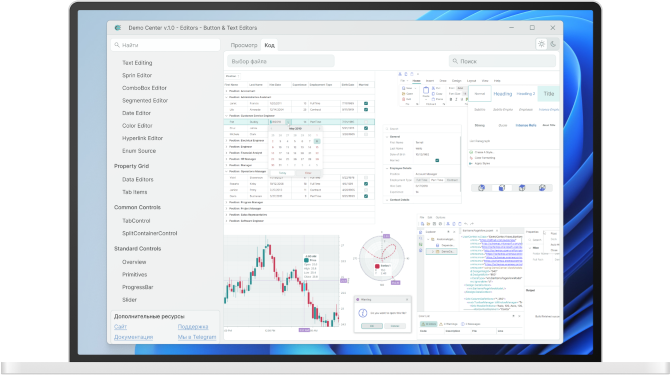
The EMX Controls library includes powerful visual controls for shaping and editing tabular data. The controls are optimized for handling large datasets and can work with flat and hierarchical datasets regardless of their size. Built-in features like quick search, sorting, and filtering allow users to easily find data.
• Data Grid
• Tree List
• Property Grid
• List View
Navigation & Layout
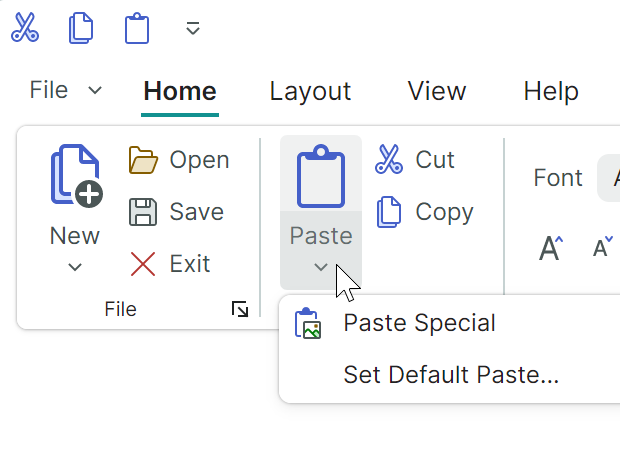
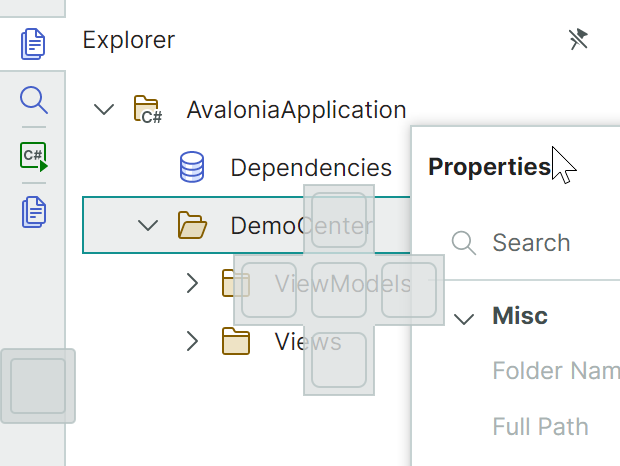
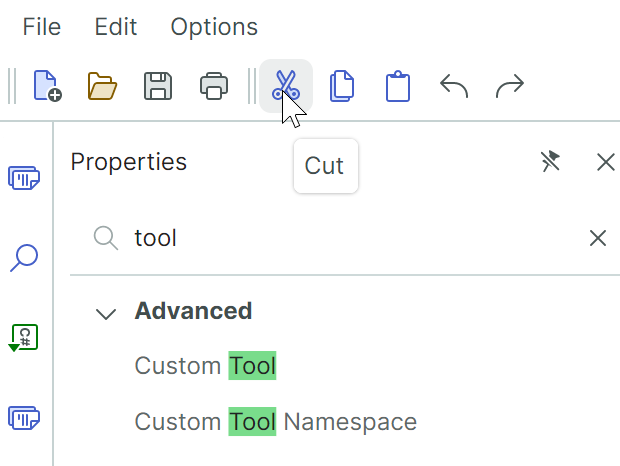
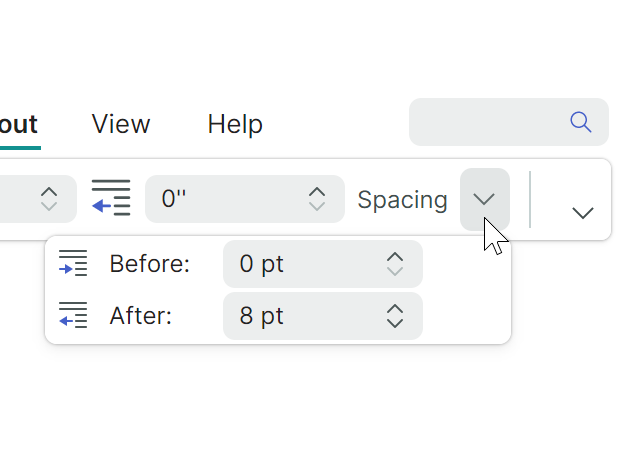
The EMX Controls library includes components for building navigation interfaces and managing multiple windows. You can create both classic toolbars and modern Office-style Ribbon menus. The Docking UI component enables Visual Studio-inspired window and panel management, offering flexible workspace organization for complex applications.
• Ribbon
• Toolbars&Menus
• Docking UI
Charts
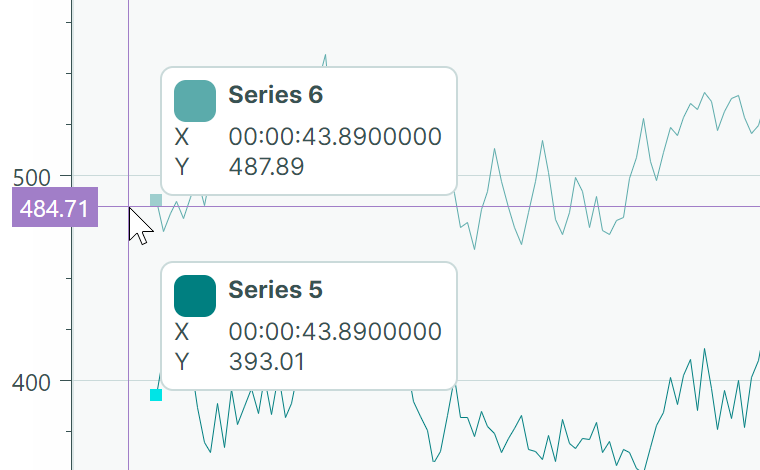
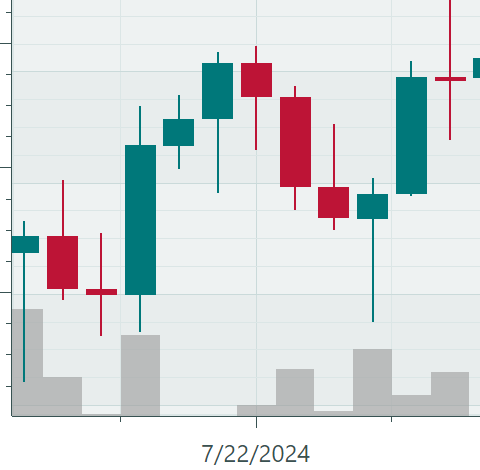
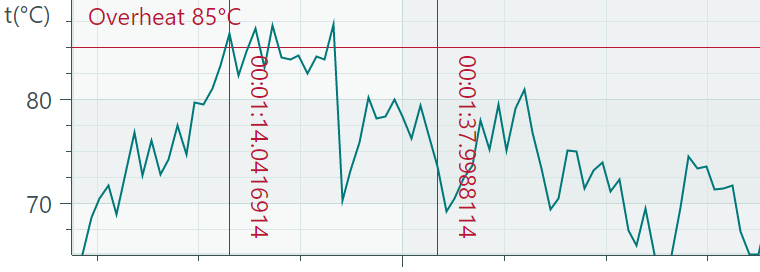
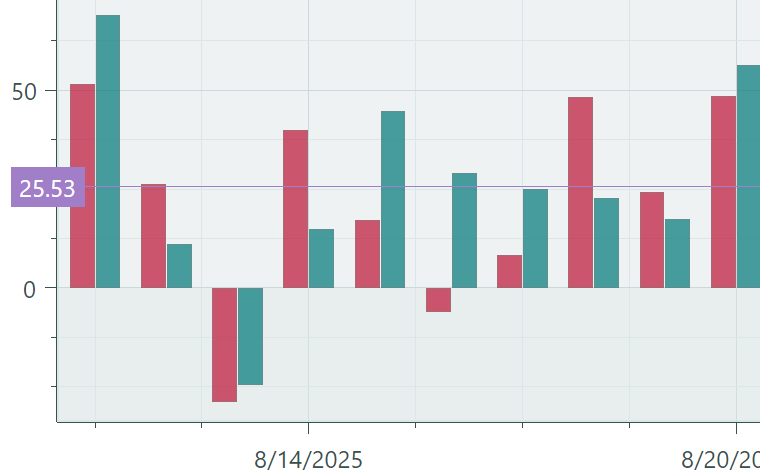
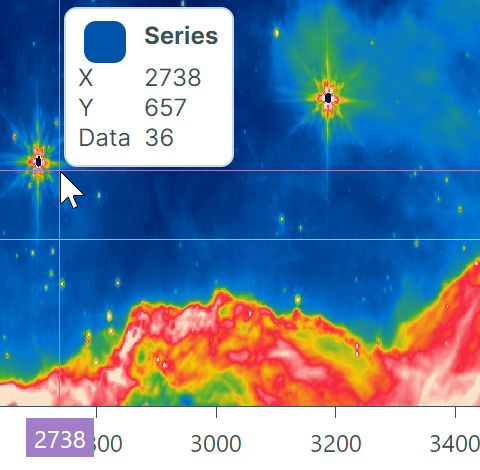
The EMX Controls library includes powerful data visualization controls for building interactive charts and heatmaps to help you analyze trends and identify patterns. Financial charts allow you to track the dynamics of currencies and other assets in detail.
• Cartesian Chart
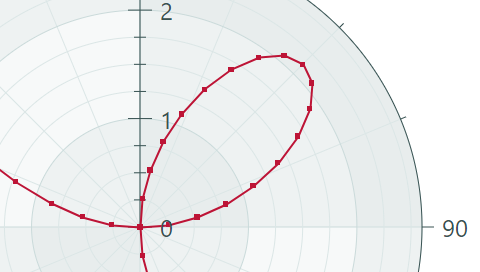
• Polar Chart
• Smith Chart
• Heatmap
3D
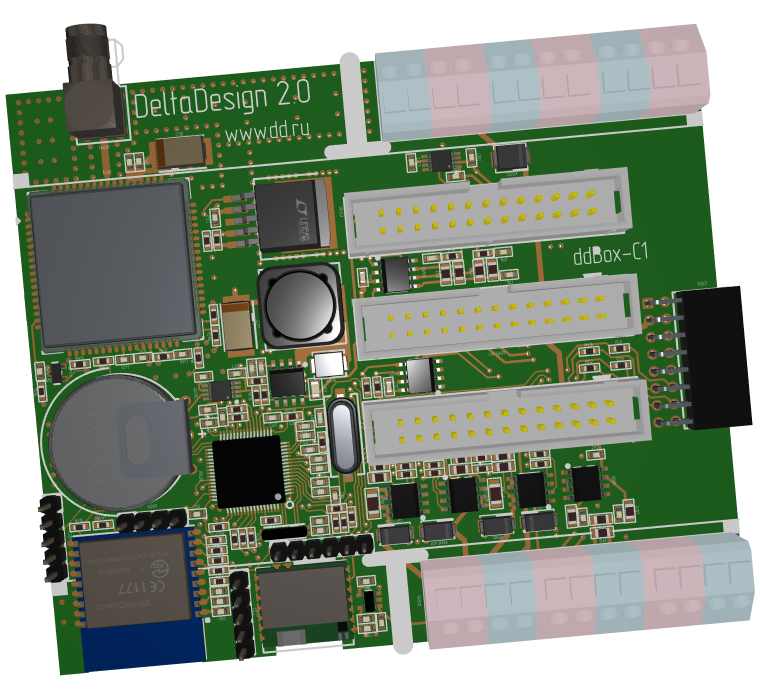
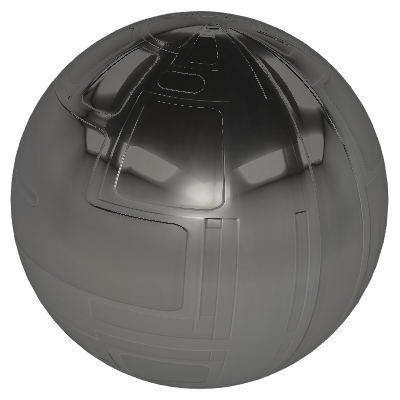
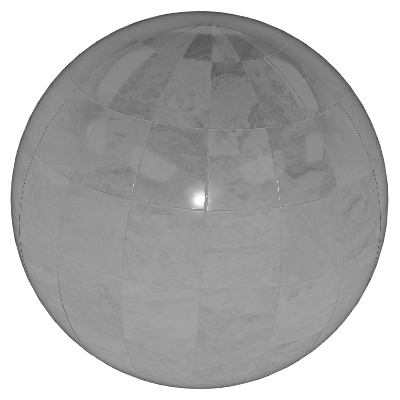
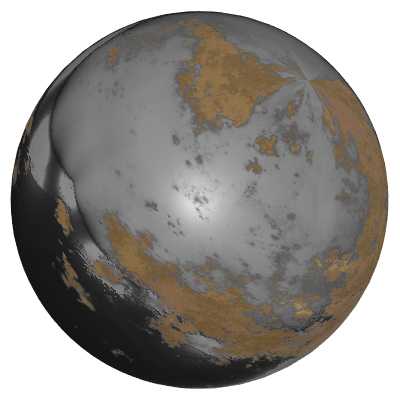
Add interactive 3D visualizations to your application using the EMX Controls library. Enhance your product or project demonstrations with 3D models to maximize clarity and user engagement. Use a dedicated control from the library to view and interact with 3D scenes.
• Graphics3DControl

Supported Operating Systems
The EMX Controls Library is fully compatible with major operating systems, including Windows 11, Windows 10, Debian, Ubuntu, macOS, Astra Linux, ALT Linux, and RED OS.


What's Included
Assemblies
The library includes assemblies with visual components and paint themes, enabling you to develop feature-rich graphical interfaces based on a unified design system.
VisitProject templates
With project templates, you can quickly start developing new applications using EMX Controls.
VisitDocumentation
Visit our documentation site to discover the full range of features offered by the EMX Controls library
VisitGet Started
Library Features
Data Grid
- Grouping
- Data Editors
- Data Validation
- Filter & Search
- Large Data
- Row Auto Height
- Live Data
- Multiple Row Selection
- Drag & Drop
Smith Chart
- Point
- Scatter Line
Heatmap
- Color Providers
- Real-Time Data
Property Grid
- Data Editors
- Tab Items
Editors
- Overview
- Text Editing
- Spin Editor
- ComboBox Editor
- Segmented Editor
- Date Editor
- Color Editor
- Hyperlink Editor
- Enum Source
- Memo Editor
Ribbon
- WordPadExample
Cartesian Chart
- Real-Time Data
- Large Data
- Multiple Axes
- Logarithmic Scale
- Strips and Constant Lines
- Point
- Line
- Area
- Scatter Line
- Step Line
- Step Area
- Range Area
- Side-by-Side Bar
- Side-by-Side Range Bar
- Candlestick
- Candlestick Aggregation
Tree List
- Filter & Search
- Data Editors
- Folder Browser
- Multiple Node Selection
Polar Chart
- Strips and Constant Lines
- Point
- Line
- Area
- Scatter Line
- Range Area
Common Controls
- TabControl
- MessageBox
- SplitContainerControl
Graphics3D Control
- Overview
- STL Model
- Simple Materials
- Textured Materials
Tools
- SVG Icons Browser
Bars and Docking
- IDE Layout
- Toolbar & Menu
- Context Menu
Frequenlty Asked Questions
Ask a question
How to buy the EMX Controls Library?
- Fill out the Order form.
- Confirm your agreement with the Public Offer, Privacy Policy and the terms of personal data processing.
- Submit the Order form.
- Within two working days we will send you an invoice for payment.
- Once payment is confirmed, you will receive an email with a link to the download distribution and activation key.
Can I customize the controls?
Do you have a trial version?
What does the license include?
After expiration, you must not update the EMX Controls library version or change the project names in those existing projects. Doing so will cause EMX Controls to display a trial version message.
Do I need a license for each developer?
What if a developer has 2 computers?
Can I develop or make changes to a project after the license expires?
- If you keep the same library version and project name, the rebuilt application will work normally with no license messages.
- If you change the library version or project name, the rebuilt application will display a trial version message.
- During debugging, the trial version message will always appear without an active license, because debugging is part of the development process and requires a valid developer license.
Do I need an additional license to build a project in CI?
Can I develop applications using a remote connection with RDP?
Is there a free non-commercial license for open-source projects?
Yes. To support open-source development, we offer free non-commercial licenses. If you are the author of an open-source project and wish to use our library within it, you can apply for a license using the following service:
For more details on eligibility requirements, see Free Non-commercial Licenses for Open-Source Projects.
Is there a free student license?
Do you have real-world examples of using the Controls Library?
How do you plan to develop the EMX Controls library?
How can I get in touch with the development team?
Order EMX Controls now
Fill out the contact form to get an invoice
Details
You will receive an email with an invoice for payment. Once payment is confirmed, we will send you an email with a link to the download distribution and activation key. It may take up to two business days to process your invoice request